
Text
A word or question on the front and the meaning on the back, with example sentences if you like.
Free · Open source · Works offline
FLUXA helps you learn languages with interactive flashcards. Each card can use text, pictures, your own voice recordings or YouTube clips, so you read, see, hear and watch the language in real use.
No account. No ads. Your decks never leave your device unless you share them.
See it in action
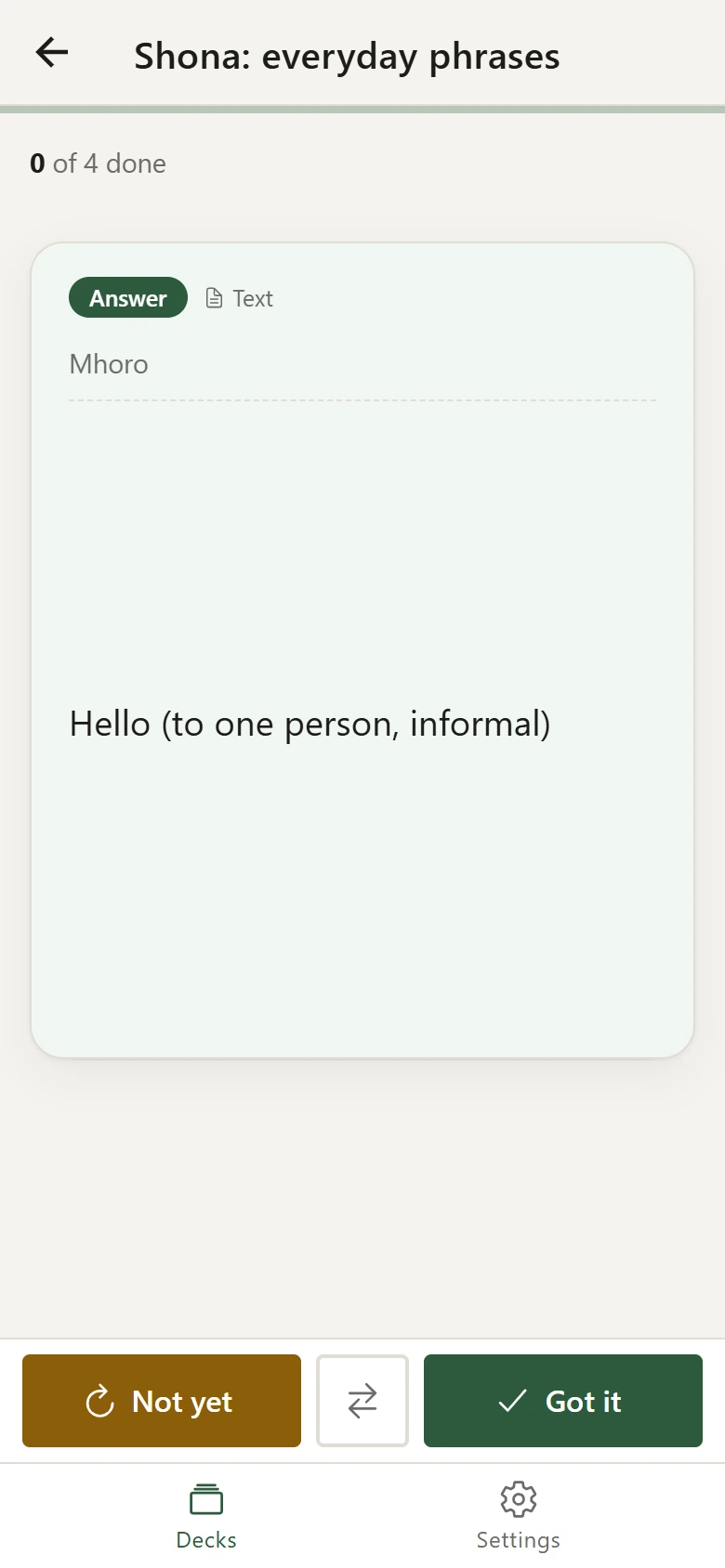
Open a deck, add a card, and it's ready to review. Tap to flip, then mark it “Got it” or “Not yet”. Cards you miss come back until you know them.
Try it yourself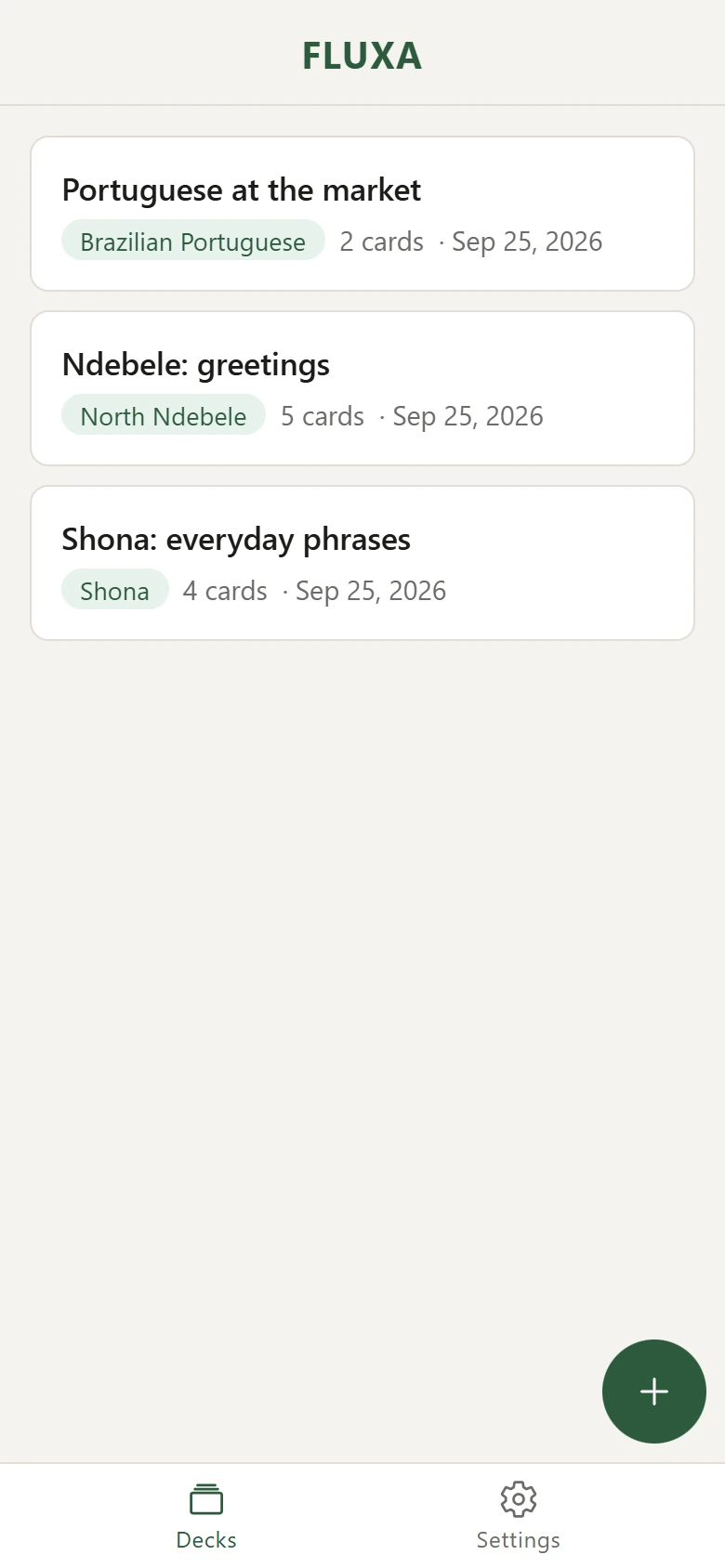
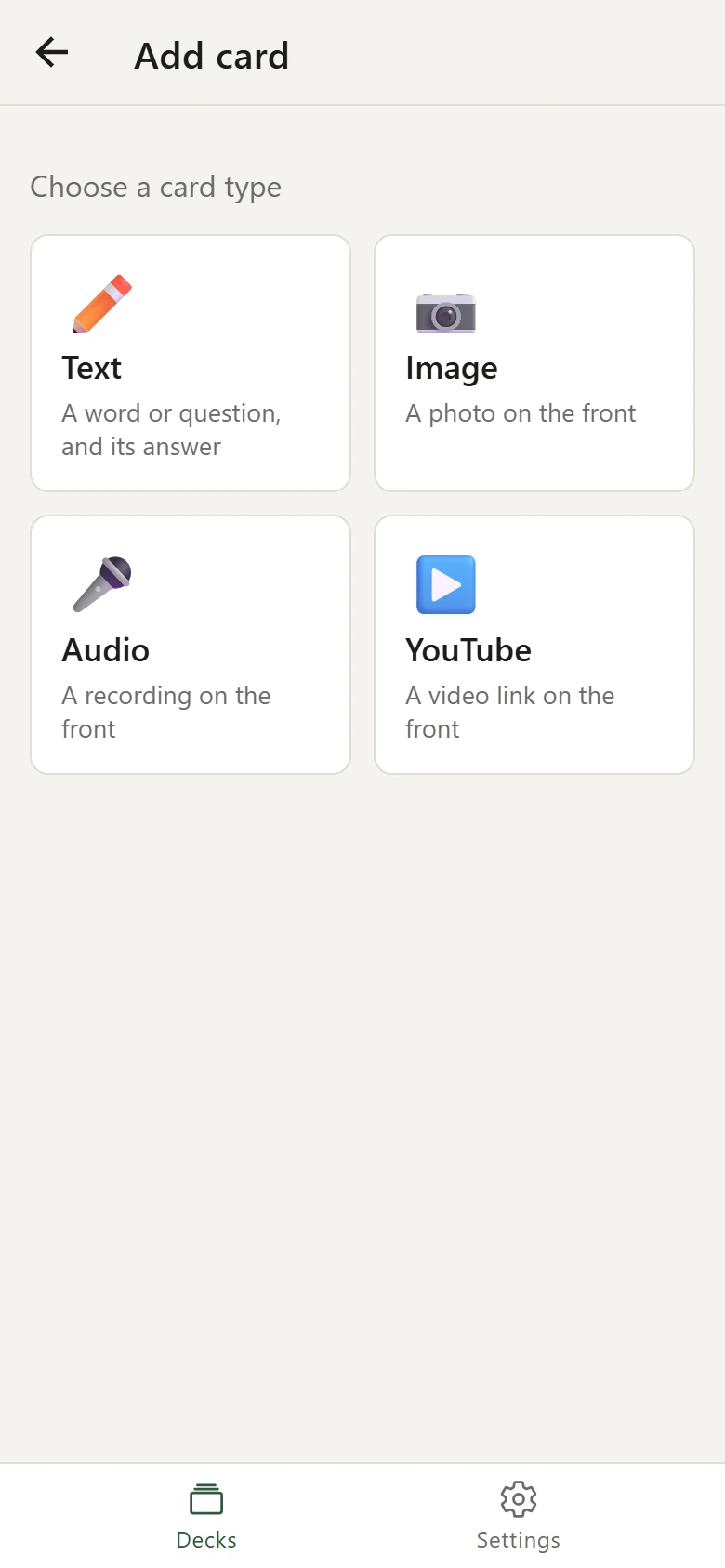
Mix them in one deck and learn a word the way you'll meet it in real life.
A word or question on the front and the meaning on the back, with example sentences if you like.
Snap the market stall, the menu or the street sign, then ask yourself what's in it.
Record a friend, a teacher or yourself. Train your ear with real voices and accents.
Pick the exact seconds of a scene, song or interview. The card plays just that moment.
Tap to flip, then mark each card “Got it” or “Not yet”. Cards you miss come back later in the session until you know them, and you can practise just those afterwards.
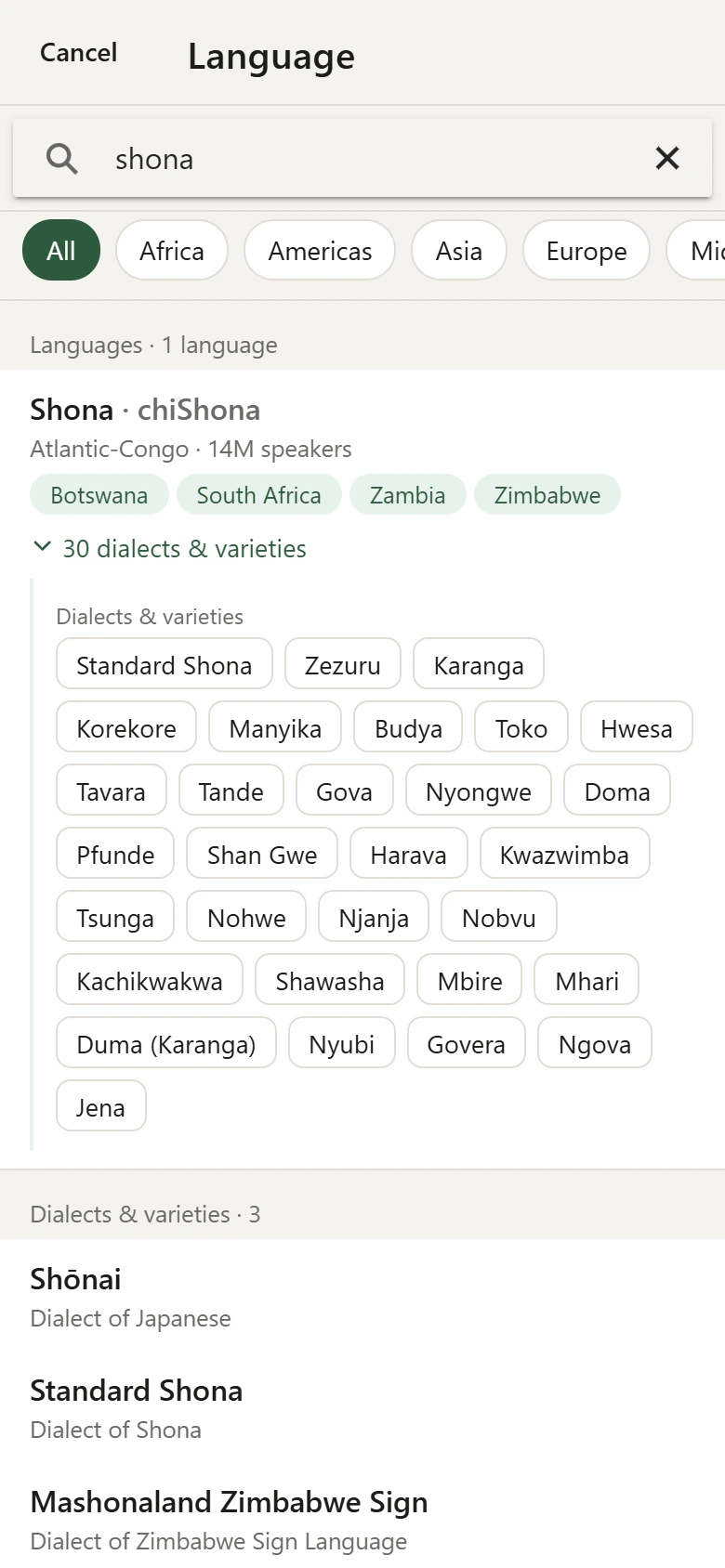
Pick from about 8,700 languages and 13,600 dialects: Shona, Zezuru, Brazilian Portuguese, Egyptian Arabic, Latin, even Klingon. Search by country to find what's spoken there.
No sign-up and no servers. Everything is stored on your device and works without internet. Only YouTube clips need a connection.
Export any deck as a single .fluxa file, with its pictures and recordings
inside. Send it on WhatsApp, email or Drive. It opens in FLUXA on any device.
Community decks
The best decks come from people who live the language: the phrases your grandmother uses, the slang from your city, the words you needed at the market. Share yours and it can help a learner anywhere in the world.
.fluxa file from the deck screen.Coming soon. Shared decks will appear here, searchable by language and country.
Be one of the first: submit a deck and it'll be here when the library opens.
The same app everywhere. Your decks move between devices as .fluxa files.
On Android, open the web app in Chrome and tap “Add to Home screen”. On iPhone and iPad, open it in Safari, then tap Share and “Add to Home Screen”. Desktop installers aren't code-signed yet, so Windows and macOS may warn you the first time you open them.
FLUXA is MIT-licensed. Anyone can use it, study it, translate it or build on it. The
.fluxa format is openly documented so other apps can read your decks too.